
If you manage two or more homes, it is easy for important details to end up scattered across email, paper files, spreadsheets, and conversations. That can make it harder to understand what work was done, find current service instructions, or coordinate people across locations. A practical system for managing household records across multiple properties gives each home a clear record, puts related information in a consistent place, and makes responsibility for updates explicit. You do not need an elaborate platform to get started. The best approach is one your household can maintain and use reliably.
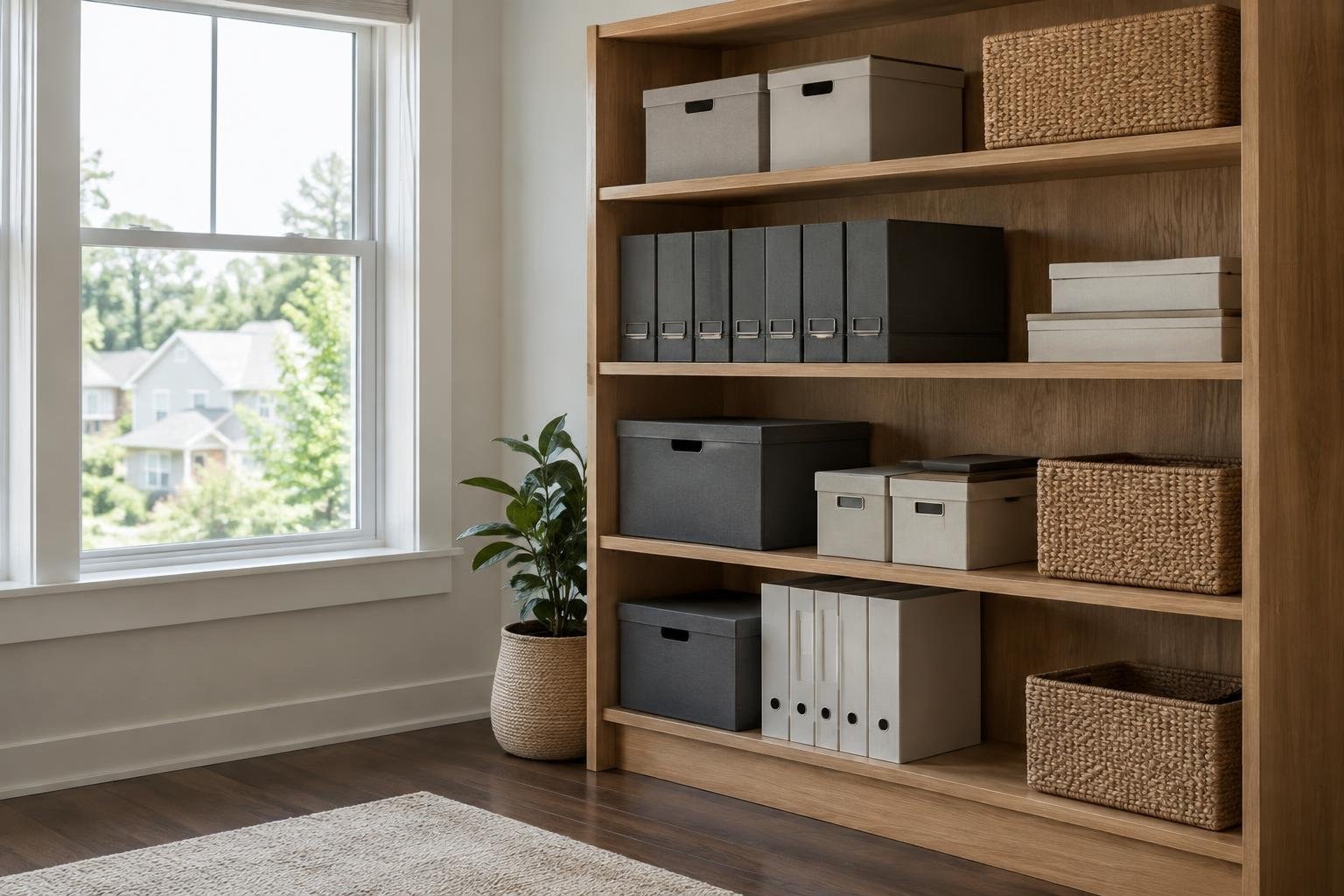
What to know about multi-property household records
Household records are the information people rely on to care for a residence and coordinate its operations. Depending on your needs, that may include maintenance history, vendor and service contacts, instructions, financial records, inventories, schedules, and communications.
Managing records across locations means more than putting files in one folder. Each property needs an identifiable record, while shared categories and procedures make it easier to work consistently across homes. A centralized system can bring property-related tasks, maintenance, inquiries, and financial records together. A defined operational system also clarifies who owns repeatable tasks and what documentation shows they are complete.
For a homeowner, the practical goal is straightforward: when someone needs an answer about a particular home, they should be able to find the current information without relying on memory or searching through unrelated messages.
What the service includes and how the process works
A workable setup can be built in a few repeatable steps:
- Create a record area for each property. Give each residence a clear name or identifier.
- Use the same core categories. For example, group maintenance, service contacts, instructions, finances, and communications in a predictable way.
- Choose one primary location for current records. A centralized tool can help bring property information together rather than leaving it dispersed.
- Assign an owner to each record or category. Make clear who updates details and who can review them.
- Record important changes. Add work completed, updated instructions, and relevant communications to the correct property record.
- Review the information after a change. Recheck details after maintenance, an owner visit, or a change to access.
The specific categories will depend on your household. If several people or teams support the homes, agree on the labels and update process before adding large volumes of old material.
Signs your current system may need attention
You may need a more deliberate records system if you recognize one or more of these patterns:
- You cannot quickly tell which property a maintenance note or conversation concerns.
- People give different instructions because there is no easy way to check the latest version.
- Work history or service details are spread across messages, separate files, or individual memories.
- You repeat questions because past communications are difficult to find.
- Several people handle household tasks, but it is unclear who is responsible for updates.
- A change to access or service instructions does not reliably reach everyone who needs it.
These are signs of a coordination problem, not proof that you need a particular app or manager. Start by identifying the information that is hardest to find and the decisions it needs to support. Then build a system around those real needs.
Cost and pricing considerations
There is no supported universal price for this kind of setup. The total depends on which route you choose and what work you want someone else to handle. A basic do-it-yourself folder system, a dedicated software product, and a professional management arrangement are different solutions, so compare their actual features and responsibilities rather than assuming their costs are interchangeable.
When evaluating software or providers, ask whether the quoted amount is one-time or ongoing, what is included, and whether the price changes with the number of properties, users, or services. For professional help, request a written scope that separates record organization from ongoing coordination, vendor management, budgeting, or broader operations.
Also account for the time required to gather, sort, and maintain information. A lower-cost tool may still require substantial household effort. A higher-cost service is only useful if its defined responsibilities address work you genuinely want to delegate.
Factors that affect the project
Several practical factors shape the size and complexity of a records project:
- Number of properties: More residences mean more property-specific information to keep distinct.
- People involved: Staff, service providers, household members, and other coordinators may have different responsibilities and access needs.
- Types of records: A system handling only maintenance history has a different scope from one that also covers financial records, inventories, communications, and schedules.
- Local differences: Properties may have different teams and operating conditions, so common standards may need to be adapted to each location.
- Management structure: The level of professional coordination and family-office involvement affects which tasks belong in the system and who owns them.
- Starting condition: Collecting and checking scattered or outdated information takes attention before a new process can work well.
List your actual requirements before requesting software demonstrations or management proposals. That makes it easier to compare offers on the same basis.
Options and tradeoffs: folders, software, or a manager
Most households are choosing between three broad approaches. You can manage records yourself with a shared folder or spreadsheet, use more complete property management software, or add a professional who oversees some part of the operation.
| Approach | May suit you when | Consider before choosing |
|---|---|---|
| Shared folder or spreadsheet | You want a simple place to begin and can maintain it yourselves. | Agree on categories, ownership, and the process for keeping information current. |
| Property management software | You want a more centralized system for records and repeatable property tasks. | Check whether its organization and functions match your household’s workflow. |
| Professional management support | You want to delegate defined operational responsibilities. | Separate broad estate oversight from day-to-day household coordination and confirm the scope in writing. |
Software can make day-to-day recordkeeping easier, but it does not decide who is responsible for maintaining accurate information. Professional support can add coordination, but the right structure depends on the properties, staff, and level of involvement needed.
What to expect, including timing and ongoing upkeep
Expect the work to happen in stages: agree on the categories, gather existing records, sort them by property, set responsibilities, and start using the system for new activity. If records are already organized, the change may be simpler. If information is spread across people and locations, allow time to check where it belongs and whether it is current.
Rather than setting an arbitrary deadline, identify a manageable first milestone. For example, organize the records needed for routine maintenance at every home before expanding into less frequently used material. Then review the system after it has been used for real tasks and adjust confusing categories or handoffs.
Ongoing work matters as much as setup. Add relevant information when work or instructions change, and make review part of the household’s regular process. A system that is established but not maintained can become misleading.
How to choose a qualified provider or tool
Choose software or a provider by looking at how well the approach fits your household, not by relying on a broad promise of convenience. First write down the tasks you want handled. Then ask candidates:
- Which records and recurring tasks are included?
- How will information be organized by property?
- Who updates the records, and how are completed tasks documented?
- How are communications and service instructions retained for later reference?
- What responsibilities remain with you or another household member?
- How does the proposed process handle different teams and local conditions?
- What does the fee cover, and what is outside the scope?
For professional roles, distinguish between broad oversight of operations, contracts, budgets, projects, and staff structure and closer day-to-day coordination of service standards, schedules, residence readiness, and household information. The right fit depends on the size of the estate, staff count, and level of involvement needed. Ask for a written division of duties before agreeing.
Permits, credentials, warranties, and safe record access
This is an organizational guide, not a substitute for property-specific legal, financial, or safety advice. Confirm applicable requirements with the relevant local authority or an appropriately qualified professional when the work or service calls for it.
For record handling, focus on clear access and current instructions. Decide who should be able to view or update each category, and make sure changes to access or service instructions are reflected in the record used by the people doing the work. Ask a provider how records and communications are maintained and what happens to your information if the arrangement ends.
Do not treat an old file as reliable just because it exists. Assign responsibility for checking information after work, visits, or access changes.
Ways to reduce cost and save effort safely
You can control effort and expense without cutting corners by starting with a small, useful system. Begin with the records that support recurring decisions, then expand only when you know what else needs to be tracked. Use the same core categories across homes so people do not have to learn a different filing approach for every location.
- Inventory current tools and files before buying a new platform.
- Ask software providers to show how your specific records and tasks would be organized.
- Compare like-for-like scopes when reviewing management proposals.
- Separate essential recurring responsibilities from optional broader services.
- Set an owner and a review trigger for each important record category.
A more complete software tool may centralize records and help with day-to-day property management, but it should solve a defined problem. Avoid paying for capabilities you do not plan to use or delegating vaguely defined work that you cannot evaluate.
Common mistakes, red flags, and a practical checklist
The biggest risk is often not a missing file but an old record that people assume is correct. Another common failure is having no single place that contains the operational history of a property. A quick check can reveal whether your approach is dependable:
- Can someone identify the right property record without asking you?
- Are service instructions and recent communications easy to reference?
- Is there a named owner for each important record or task?
- Do you update details after maintenance, visits, or access changes?
- Can you tell what work was completed and where its record belongs?
- Are responsibilities and handoffs clear across properties and teams?
If the answer is no, fix the process before adding complexity. Establish one place for the operational history, assign ownership, and define what proof or notes are expected when repeatable tasks are complete.
A repeatable system for keeping records useful
Use a simple operating plan that links records to responsibility. For each property, identify the person who maintains the information, the people who need to use it, and the event that should trigger a review. A maintenance visit, owner visit, or change to access can serve as a prompt to verify related details.
Where several homes use different teams or have different local conditions, keep shared standards but allow property-specific instructions. A central calendar or coordinating role may help connect the household’s activities, while the record for each residence preserves its own service history and requirements.
Review the arrangement periodically with the people who rely on it. Ask what information was hard to find, which instructions were unclear, and whether responsibilities still match the household’s needs. Update the process rather than allowing workarounds to become the unofficial system.
Frequently asked questions
How do I organize records for multiple properties?
Create a separate record area for each property, then use the same categories across locations. Keep key contacts, maintenance history, service instructions, financial records, and communications organized so the information is easy to retrieve and update.
Is a shared folder or property management software better?
A shared folder can work for a small, straightforward setup. Dedicated property management software may be useful when you need a centralized place for records and repeatable tasks across several properties. Compare access controls, ease of use, record organization, and cost before choosing.
How often should household property records be updated?
Set a responsible owner for each record and review it after maintenance, an owner visit, or a change to access. That helps prevent outdated details from being treated as current.
When should I hire a property or household manager?
The right approach depends on the number of properties, staff, and how much coordination is needed. Some households manage records themselves with a shared system; others may benefit from a household manager or estate manager with clearly defined responsibilities.
What should I ask a multi-property management provider?
Begin with a written list of the tasks and records you want handled, such as maintenance history, service instructions, communications, budgets, or vendor coordination. Ask providers what they will manage, what tools they use, how records are handed over, and how responsibilities are documented.
People Also Ask
What is the best way to manage multiple properties?
There is no single best tool for every household. Start with how many properties and people need access, what types of records you manage, and whether you need shared task or communication tracking. Then compare a simple shared folder with software built for property records.
What records should I keep for each property?
Keep essential operational details together by property, including maintenance history, service instructions, financial records, contacts, and relevant communications. Use consistent categories so information is easier to find across locations.
Should I keep property records digitally or on paper?
A digital system can make records easier to centralize and reference, while paper can remain useful for documents that need a physical copy. Choose a primary system and make clear where current information belongs so records do not split into competing versions.
What is the difference between an estate manager and a household manager?
A property manager may be a fit when you want help coordinating property operations. A household manager may focus more on day-to-day service standards, schedules, residence readiness, and household information. Clarify the actual responsibilities before hiring.
How can I keep records accurate across different homes?
Use a repeatable review process: assign an owner, update records after work or changes, and check that details such as instructions and access information are current. Build these reviews into the household calendar.
How much does multi-property management cost?
Compare the work included, the number of properties and people involved, the system or software used, and any ongoing support. Ask for a written description of responsibilities and fees before making a decision.
Managing household records across multiple properties is less about collecting paperwork and more about making reliable information easy to find, update, and act on. Give every property a consistent record structure, assign responsibility for keeping it current, and choose tools or professional support that fit your household’s actual needs. Start small, review the system after important changes, and make sure authorized people know where current information lives.
Your next step
Explore home management options and providers at HouseManagers.com.
Browse qualified providersLearn more about a Management or Concierge Plan
Last reviewed and updated October 15, 2026 by the Housemanagers.com Editorial Team.
Sources
- Multiple Properties: 10 Keys to Perfect Management | Ronival Real Estate
- How to Maintain a Property Management Records System
- Simplify Managing Multiple Properties with One App – MyHome
- How Family Offices Support Multi-Residence Household Operations – Deb's Domestic Agency
- How to manage multiple rental properties: systems that scale
- Simplify Managing Multiple Properties with One App • MyHome Blog
- The Role of Household Managers in Multi-Residence Estate Operations – Deb's Domestic Agency
- How to Manage Multiple Properties: Systems, Software, and Scaling